A working place to start
On this page
Use the original source to learn the format, then give your project its own name, images and app identity.
Who this is for: new theme authors who would rather change working source than start from a blank manifest.
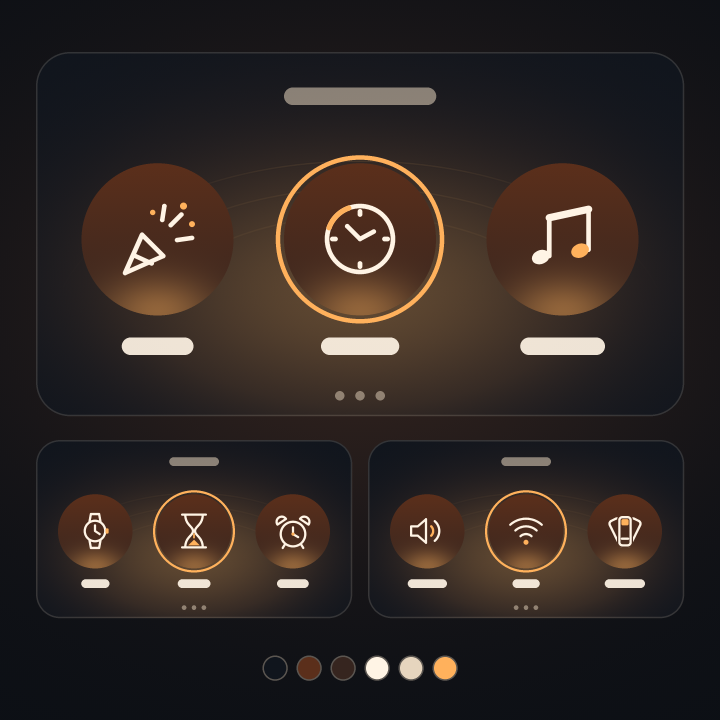
Ember
API1 · native menu buttons
A warm menu palette with original menu artwork. Choose Ember when you want to work with Jibo's paged-button layout.
node tools/theme-kit/cli.mjs check themes/ember
node tools/theme-kit/cli.mjs new copper --from ember --author "Your name"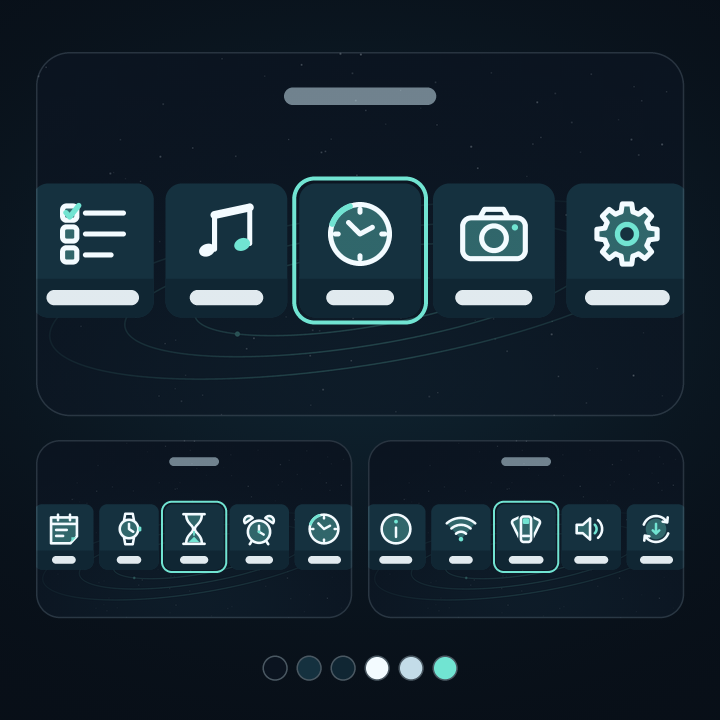
Orbit
API1 · sliding cards
A cool menu palette with original menu artwork. Choose Orbit for the sliding-card layout. Layout motion is provided by Jibo's software, not by executable theme assets.
node tools/theme-kit/cli.mjs check themes/orbit
node tools/theme-kit/cli.mjs new starlight --from orbit --author "Your name"Make the project yours
Keep the copied license and original credits. Replace the author placeholders, edit the theme name and use a publisher-assigned app ID before submission. The kit's generated ID is not a registered Skill Store identity.
The template's source README.md, AUTHOR.md and LICENSE.md stay on your computer; the pack contains only the manifest and its listed assets. Keep any required credits available with your published source and listing.
Theme walkthrough · Publishing guide
More theme starters
Choose a focused example for the feature you want to learn. Every pack still needs the matching API support from Jibo.
| Starter | Theme API | What it demonstrates |
|---|---|---|
paper | 1 | Light palette without images |
signals | 1 | Complete ordinary-menu icon map |
terrace | 4 | Background, per-menu fonts and bounded geometry |
cut-paper | 3 | Original neutral paint on the native eye mesh |
Use the same scaffold command with the starter's name:
node tools/theme-kit/cli.mjs new notebook --from paper --author "Your name"Skill templates
The skill kit has four starters: hello (the default), touch-ui, voice and network-service. Every starter is the same kind of project, and Jibo's current software installs each one as a test build on your own Jibo after you confirm it on his screen.